
Mobile applications have become an essential part of everyday life. People use them to shop online, communicate with friends, manage finances, book appointments, and complete work tasks. Because users expect mobile apps to be fast, secure, and reliable, developers must make sure their applications work correctly before releasing them to the public. 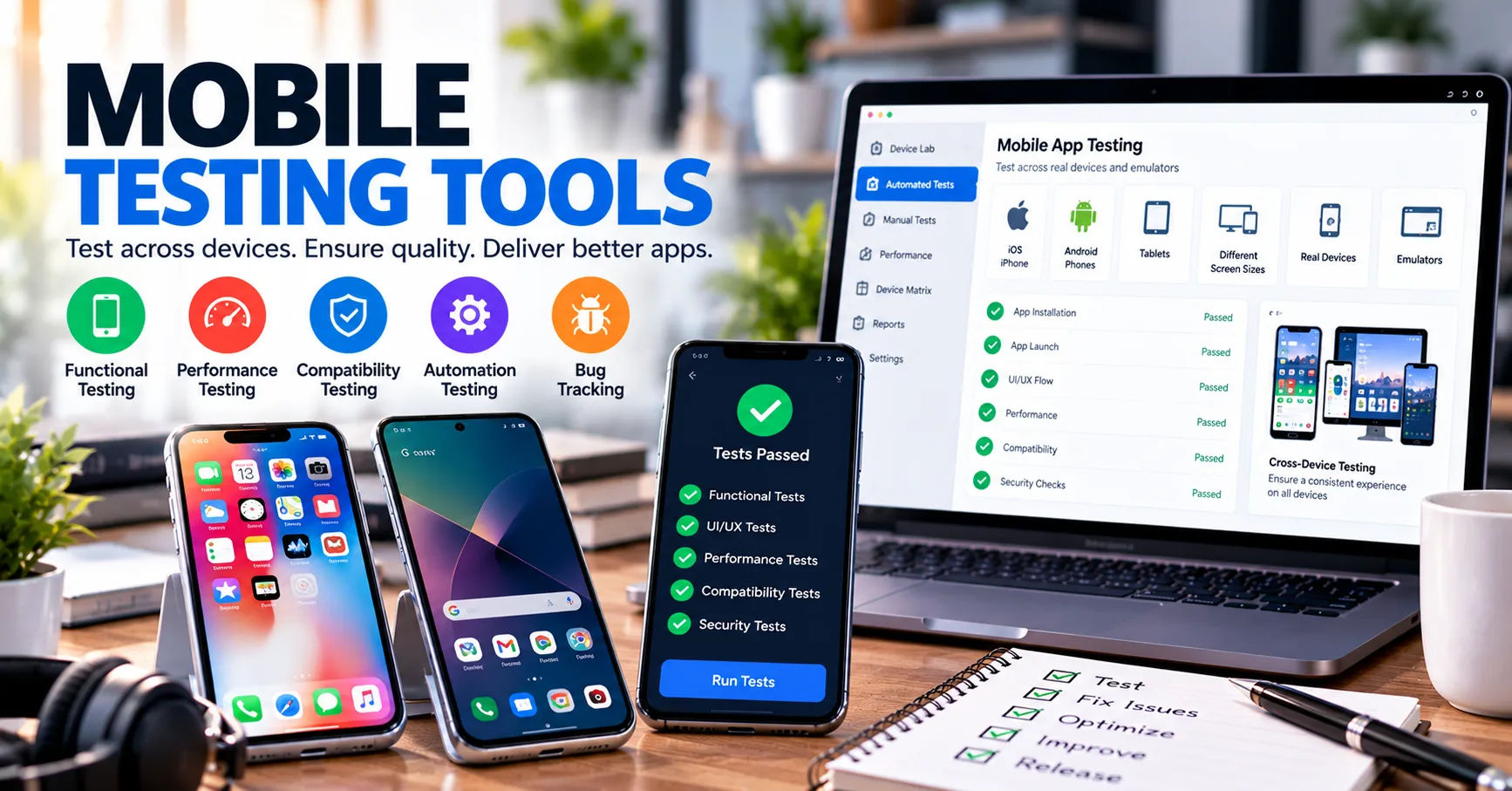 This is where software testing becomes important.
Testing helps developers identify problems that could affect an application's performance, usability, security, or compatibility with different devices. Even a small issue, such as a button that does not respond or a payment that fails, can frustrate users and damage a company's reputation.
Mobile application testing solutions help development teams evaluate applications systematically, identify defects, and improve the overall user experience. These solutions combine testing tools, automated scripts, manual checks, device testing, and performance analysis to determine whether an application meets its requirements.
Understanding how these solutions work can help businesses, developers, and quality assurance professionals make better decisions throughout the development process. From the first stages of planning to the final release, testing provides valuable information that helps teams deliver dependable mobile applications.
What Are Mobile Application Testing Solutions?
Mobile application testing solutions are tools, platforms, and processes used to verify that mobile applications function as expected. They help teams examine an app's features, design, responsiveness, security, and performance across different environments.
These solutions support applications developed for operating systems such as Android and iOS. Depending on the project, testing may take place on physical smartphones, tablets, virtual devices, or cloud-based testing platforms.
The main objective is to discover defects before users experience them. Testing also helps confirm that an application meets business requirements and provides a consistent experience across supported devices.
Why Mobile App Testing Matters
Mobile devices differ in screen size, processing power, memory, operating system version, and network capabilities. An application that works correctly on one smartphone may behave differently on another.
For example, a shopping app might display product images correctly on a new phone but show a broken layout on an older device. Similarly, an application may work over Wi-Fi but fail when a user switches to a mobile network.
Testing helps identify these differences before release. It reduces unexpected failures, supports better usability, and helps organizations maintain user trust.
What These Solutions Usually Include
A typical testing environment may include several components:
-
Test management tools for organizing testing activities.
-
Automated testing frameworks for executing repeatable checks.
-
Real devices and emulators for checking compatibility.
-
Performance monitoring tools for measuring speed and stability.
-
Security testing tools for identifying vulnerabilities.
-
Reporting systems for recording defects and tracking progress.
The exact combination depends on the application's complexity, target audience, budget, and security requirements.
How Do Mobile Application Testing Solutions Work?
The testing process generally follows a structured sequence. Each stage checks a different aspect of the application and provides information that helps the team decide whether the software is ready for release.
Step 1: Understanding Application Requirements
Testing begins with understanding what the application should do. Developers, testers, product managers, and business stakeholders review the requirements and identify the expected behavior of each feature.
For example, a food delivery application may need users to create accounts, browse restaurants, place orders, make payments, and track deliveries.
Testers turn these requirements into test scenarios. Each scenario describes a situation that should be checked, such as whether a customer can complete an order using a valid payment method.
Clear requirements help testers determine what success looks like and reduce confusion during later stages.
Step 2: Creating a Test Plan
After reviewing the requirements, the testing team prepares a plan. This document identifies the features to test, the devices to support, the testing methods to use, and the expected schedule.
The plan also establishes priorities. Critical functions, including login, payments, personal data handling, and account recovery, often receive more attention because failures in these areas can have serious consequences.
Teams decide which tests should be performed manually and which can be automated. They also establish the conditions that must be satisfied before the application can be released.
A practical test plan helps keep testing organized and makes it easier to measure progress.
Step 3: Preparing the Testing Environment
The next step is preparing the environment in which tests will run. This may involve configuring devices, installing the application, setting up test accounts, preparing sample data, and connecting required services.
Teams may use physical devices or emulators. Physical devices provide a realistic environment for checking hardware features, while emulators make it easier to test different configurations quickly.
Cloud-based platforms can provide access to multiple device models and operating system versions without requiring a company to purchase every device.
A properly configured environment helps produce reliable and repeatable results.
Step 4: Executing Test Cases
Once the environment is ready, testers begin executing test cases. They compare the application's actual behavior with its expected behavior and record any differences.
For instance, a tester may enter valid login details and confirm that the application opens the correct account. They may then enter an incorrect password to verify that the application displays an appropriate error message.
Testing also covers unusual situations, such as interrupted internet access, empty form fields, expired sessions, or insufficient storage.
These checks help identify defects that may not appear during normal use.
Step 5: Recording and Reporting Defects
When a test fails, the team records the issue in a defect tracking system. A useful report explains what happened, how to reproduce the problem, which device was involved, and how seriously the issue affects users.
Screenshots, screen recordings, system logs, and error messages can provide additional evidence.
Developers investigate the reported defect, identify its cause, and make the necessary changes. Testers then repeat the failed test to confirm that the correction works.
This process creates a feedback loop that gradually improves the application's quality.
Step 6: Retesting and Regression Testing
Fixing one defect can sometimes create another problem. For this reason, testing does not stop when developers correct an issue.
Retesting checks whether a specific defect has been fixed. Regression testing checks whether recent changes have affected features that previously worked correctly.
For example, updating a payment component might solve a checkout error but accidentally affect order confirmation. Regression tests help reveal this type of unintended consequence.
Automated testing is especially useful here because frequently used tests can be executed repeatedly after code changes.
Step 7: Evaluating Release Readiness
Before release, the team reviews test results, unresolved defects, performance measurements, security findings, and other quality indicators.
An application may be considered ready when critical tests pass, serious defects are resolved, and the remaining risks are acceptable.
Not every minor issue must necessarily be fixed before release, but teams should understand and document any accepted risks.
This final evaluation helps businesses make informed release decisions rather than relying on assumptions.
Major Types of Mobile Application Testing
Different tests examine different qualities of an application. A complete strategy combines several testing methods instead of relying on a single type.
Functional Testing
Functional testing verifies whether application features perform their intended tasks.
It checks activities such as registration, login, search, navigation, form submission, payments, notifications, and data synchronization.
For example, a banking app must display accurate account information and process supported transactions correctly. Functional testing checks whether these operations follow the defined requirements.
Usability Testing
Usability testing evaluates how easily people can understand and operate an application.
Testers examine navigation, text readability, button placement, error messages, and the overall flow of common tasks.
An application may technically work while still being difficult to use. If customers cannot find the checkout button or understand an error message, they may abandon the process.
Usability testing helps identify these problems and improve the experience.
Compatibility Testing
Compatibility testing checks whether an application behaves consistently across supported devices and software configurations.
This can include different screen sizes, operating system versions, hardware capabilities, and device manufacturers.
The goal is not necessarily to support every device ever produced. Instead, the team identifies the configurations that matter to its audience and tests those combinations carefully.
Performance Testing
Performance testing measures speed, responsiveness, resource usage, and stability under different conditions.
Testers may examine application startup time, memory consumption, CPU usage, battery impact, and behavior under heavy workloads.
For an online shopping app, performance testing may reveal that product pages become slow when many users browse during a sale.
Finding such problems before release helps developers improve responsiveness and reliability.
Security Testing
Security testing examines whether an application protects user information and resists common attacks.
Depending on the application, checks may cover authentication, authorization, secure data storage, encrypted communication, session management, and protection against sensitive information appearing in logs.
For example, testers may verify that a user cannot access another customer's order by changing an identifier in a request.
Security testing should be combined with secure development practices and appropriate privacy reviews. Automated scans are helpful, but they cannot identify every security weakness.
Accessibility Testing
Accessibility testing checks whether people with different abilities can use an application effectively.
It may evaluate screen reader support, text scaling, color contrast, touch target sizes, focus order, and the clarity of labels.
Accessible design benefits users who rely on assistive technologies and can make applications easier for everyone to navigate.
How Automation Improves Mobile App Testing
Automation is an important feature of modern testing platforms. It allows teams to run predefined tests with limited manual intervention.
Instead of manually repeating the same steps after every software update, testers create scripts that perform actions and check results automatically.
Automated Test Execution
Automated scripts can open an application, enter information, tap controls, navigate between screens, and verify displayed results.
Frameworks such as Appium and platform-specific testing tools support different automation approaches. The appropriate choice depends on the application technology, team skills, and testing requirements.
Automation is especially useful for repetitive tasks and large regression test suites.
Continuous Integration and Delivery
Many development teams connect testing tools to continuous integration and continuous delivery pipelines.
Whenever a developer submits a code change, the pipeline can build the application and run selected tests automatically. If a critical test fails, the team receives an alert and can investigate before the change moves further toward release.
This approach shortens feedback cycles and helps teams detect problems earlier.
However, automated tests still require maintenance. Changes to application layouts, test data, or workflows can cause scripts to fail, so teams must review and update their test suites regularly.
Manual Testing Still Has a Role
Automation does not replace every form of manual testing.
Human testers are particularly useful when evaluating visual quality, confusing workflows, unexpected behavior, and the natural feel of an application. They can explore situations that were not anticipated when test scripts were written.
The strongest strategy combines automated checks for repeatable tasks with manual investigation for complex or subjective problems.
The Role of Real Devices and Cloud Testing
Testing environments influence how accurately teams can evaluate an application.
Emulators and simulators are useful for quick checks, development work, and testing different operating system configurations. They can also make automated tests easier to run consistently.
However, they do not reproduce every characteristic of a physical device. Hardware sensors, real network conditions, battery behavior, manufacturer-specific software, and certain performance issues may require physical testing.
Cloud device platforms offer another option. They provide remote access to various devices and operating system versions through a centralized service.
This can help teams expand their device coverage without maintaining a large physical inventory. Nevertheless, teams should still verify critical features on representative real devices when the application depends heavily on hardware or device-specific behavior.
How Testing Solutions Help Find Problems Earlier
Early defect detection is one of the main benefits of a structured testing process.
When problems are discovered during development, developers can often investigate them while the relevant code is still fresh in their minds. Problems discovered after release may require emergency updates, customer support, and additional investigation.
Better Defect Prioritization
Testing platforms help teams classify issues according to severity and impact.
A crash that prevents users from logging in is usually more urgent than a small visual inconsistency on an infrequently used screen.
Prioritization allows teams to focus their limited time on problems that create the greatest risk.
More Reliable Test Reporting
Reporting tools collect information about executed tests, failed cases, recurring defects, and overall progress.
These reports help managers understand which areas require additional work. They can also reveal patterns, such as repeated failures on a particular operating system version.
Reliable reporting supports better decisions and clearer communication between testers, developers, and business stakeholders.
Common Challenges in Mobile Application Testing
Although testing offers many benefits, teams can encounter practical challenges.
Device and Operating System Fragmentation
Android devices, in particular, vary widely in hardware, screen dimensions, manufacturer software, and operating system versions.
Testing every possible combination is rarely practical. Teams should use audience data, application requirements, and risk assessments to choose meaningful device coverage.
Changing Application Features
Mobile applications often receive frequent updates. New features, interface changes, and third-party integrations can make existing tests outdated.
Regular maintenance, reusable test components, and clear test documentation help reduce this burden.
Unstable Networks and External Services
Mobile users may experience weak signals, switching connections, or temporary internet outages. Applications may also depend on external services that become unavailable.
Testing should cover interrupted requests, retry behavior, timeouts, and recovery after connectivity returns.
Limited Time and Resources
Small teams may not have enough devices, testers, or time to examine every feature in depth.
A risk-based approach helps them prioritize essential user journeys, sensitive information, payment operations, and frequently used features before less critical areas.
Best Practices for Choosing and Using Testing Solutions
Selecting the right tools requires more than comparing feature lists. Organizations should consider their technical needs, team experience, application architecture, and release schedule.
Define Clear Testing Objectives
Start by identifying what the application must achieve and which failures would be most damaging.
A simple information app may require a different strategy from a healthcare application or financial service that processes sensitive data.
Clear objectives help teams choose appropriate testing methods and avoid spending resources on checks that offer little value.
Select Tools That Fit the Technology
Consider whether the tools support the application's framework, operating systems, programming languages, and build process.
Teams should also evaluate reporting quality, integration options, device availability, automation capabilities, and licensing costs.
A tool that integrates smoothly with the development workflow may be more useful than one with many advanced features that the team cannot maintain.
Test Throughout Development
Testing should begin early rather than waiting until the application is nearly finished.
Developers can perform unit tests, teams can test integrated components, and quality assurance specialists can evaluate complete workflows as features become available.
Early testing makes defects easier to isolate and helps reduce the number of problems discovered near release.
Monitor the Application After Launch
Pre-release testing cannot reproduce every real-world condition.
After launch, teams should monitor crashes, performance problems, failed transactions, and user-reported issues while respecting privacy requirements and applicable data protection rules.
Production feedback helps teams identify issues that were missed during testing and improve future releases.
Keep Improving the Testing Process
Teams should regularly review which tests detect useful defects, which tests fail unnecessarily, and which parts of the application lack coverage.
Removing unreliable tests and adding checks for recurring problems can make the process more efficient.
Continuous improvement ensures that testing remains useful as the application, technology, and user expectations evolve.
Conclusion
Mobile application testing is a structured process that helps development teams verify functionality, performance, compatibility, security, and usability before releasing software. It begins with understanding requirements and creating a test plan, then moves through environment preparation, test execution, defect reporting, retesting, and release evaluation.
Mobile application testing solutions make this process more organized by combining automation tools, real-device testing, emulators, cloud platforms, and reporting systems. These capabilities help teams detect defects earlier, reduce repetitive work, and make better decisions about software quality.
However, successful testing requires more than choosing a tool. Organizations must establish clear requirements, select suitable testing methods, maintain automated scripts, and evaluate the application under realistic conditions. Manual testing remains important for usability and unexpected behavior, while automated tests help teams repeat essential checks efficiently.
Businesses should also remember that testing continues after an application is released. Real-world monitoring, user feedback, and regular regression testing help maintain quality as operating systems change and new features are introduced.
Ultimately, a well-planned testing strategy reduces avoidable risks and supports a smoother user experience. By making testing a continuous part of development rather than a final checkpoint, organizations can build mobile applications that are more dependable, secure, accessible, and capable of meeting user expectations.